Step 1: Check if Python is already installed
Windows:
- Open Command Prompt by pressing
Windows + R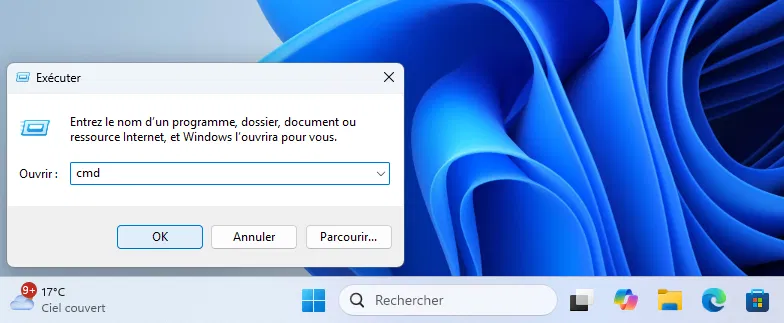
- Type
cmd, then press Enter, to launch the Windows Command Prompt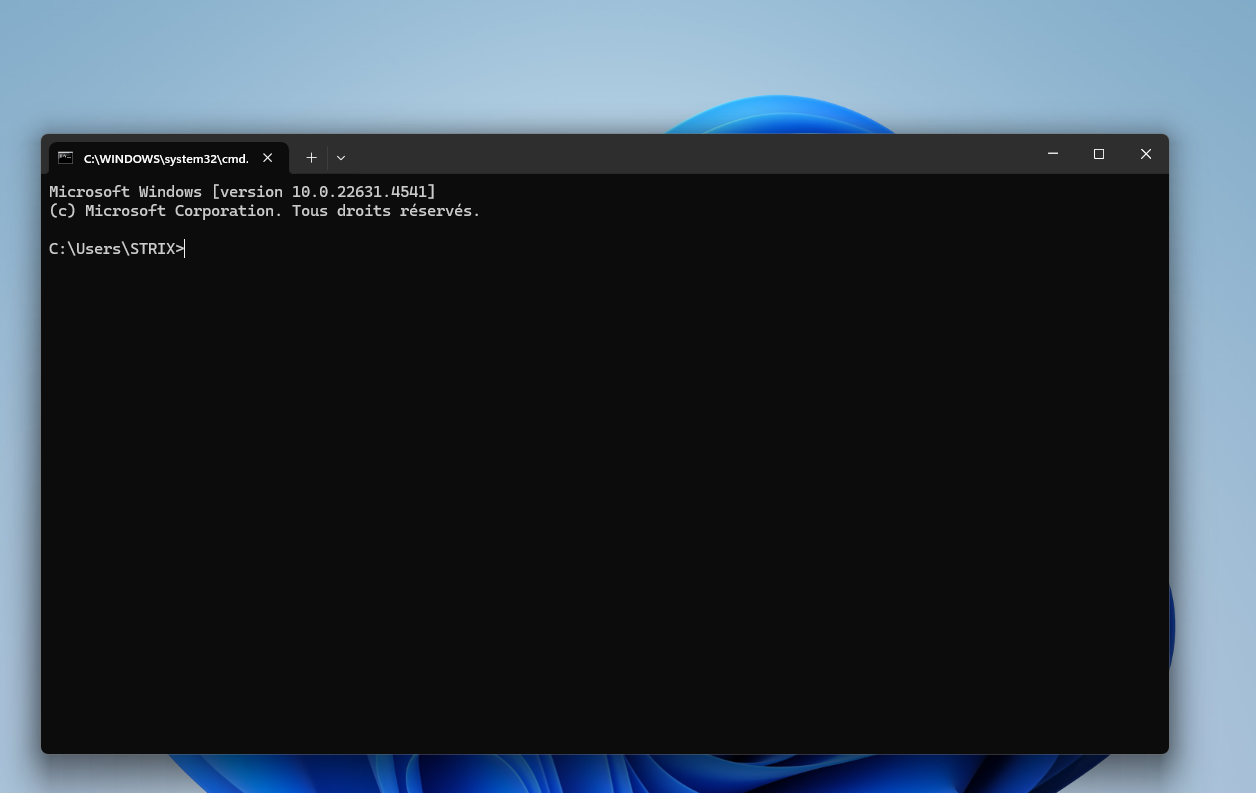
- Type the following command:
python --version, then press Enter - If you have Python installed, you will see a version displayed (e.g.,
Python 3.11.5).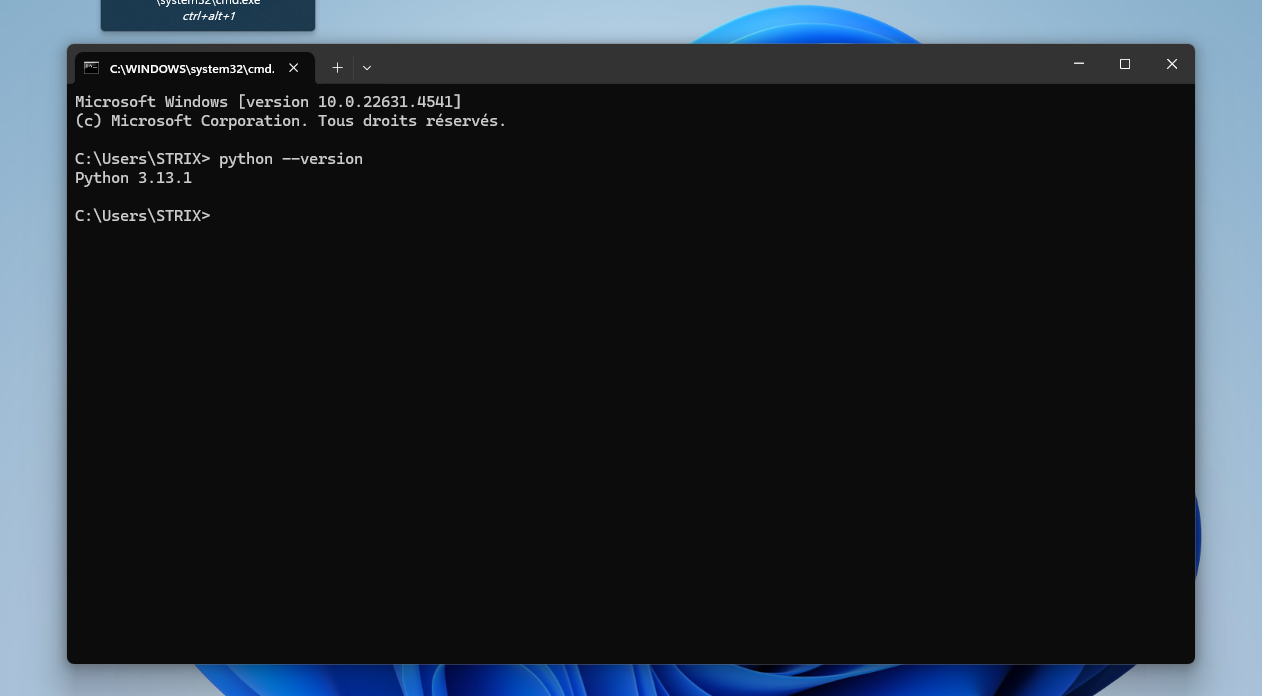 Otherwise, an error message will appear.
- MacOS/Linux:
- Open Terminal.
- Type the following command:
bash
If Python is installed, a version will be displayed. Otherwise, continue with the steps below to install it.
python3 --version
Example text
My New Header
Example text
Comments
